
How to Reinstall Windows 11 Without a USB Using Cloud Rebuild
Learn how to reinstall Windows 11 without a USB using Cloud Rebuild, including requirements, steps, data loss, common errors, and fixes.
Looking to upgrade your OS or perform a clean install? Explore our comprehensive Windows installation guides. From bypassing hardware restrictions on old PCs to official ISO setups, we make Windows deployment safe and easy for everyone.
Learn how to reinstall Windows 11 without a USB using Cloud Rebuild, including requirements, steps, data loss, common errors, and fixes.
Learn how to install Windows 11 26H2 on VMware Workstation using ISO. Let’s create a virtual machine, enable TPM 2.0 and Secure Boot, and safely test Windows 11 26H2.
Learn how to upgrade Windows 11 25H2 to 26H2 using an in-place upgrade. Keep your files, apps, and settings without reinstalling Windows.
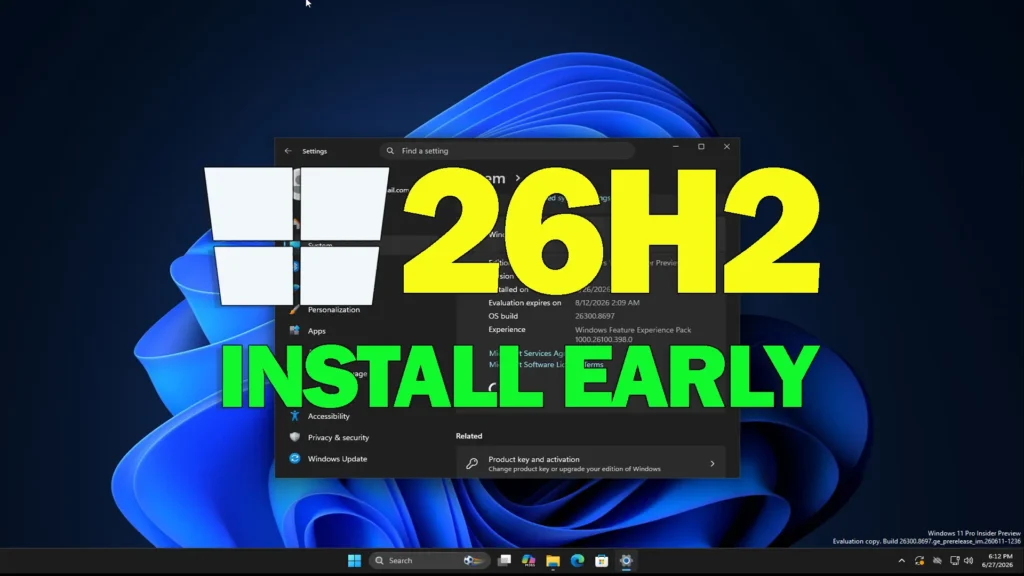
Ready to test the future of Windows 11? Learn how to officially install the Windows 11 26H2 early preview build safely using 2 simple methods.
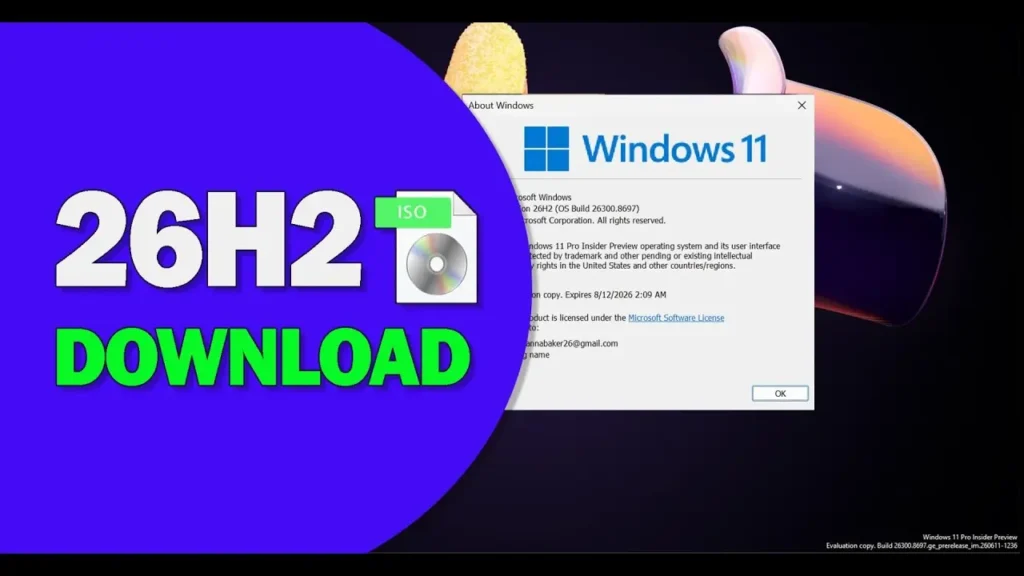
Windows 11 26H2 ISO is officially available? If you want to try this new build, try the 2 methods in the post, including Windows Insider Preview and UUP Dump.
Learn how to install Windows 11 25H2 on unsupported PCs with this complete step-by-step guide. Includes safe methods, requirements bypass, and a full video tutorial from Your System Fixer.
Learn how to install Windows 11 on a new PC or blank SSD with this 2026 step-by-step guide. Create a bootable USB, install Windows 11, and complete setup.
Learn how to install Windows 7 in VMware Workstation Pro 17 on Windows 11/10. Follow this step-by-step guide to create a Windows 7 virtual machine and run legacy applications safely.
Learn how to download and create a Tiny Windows 11 25H2 ISO for a lightweight, debloated, and minimal installation. Run Windows 11 on low-end or unsupported PCs with Tiny11 Builder.
Learn how to install Windows 11 on any unsupported PC without losing files or using a USB. Follow our safe, step-by-step guide to bypass hardware checks!